

When you venture into remote areas with no cell signal and emergencies arise, the ability to call for help can make all the difference. Did you know there are devices that keep you connected even without coverage?
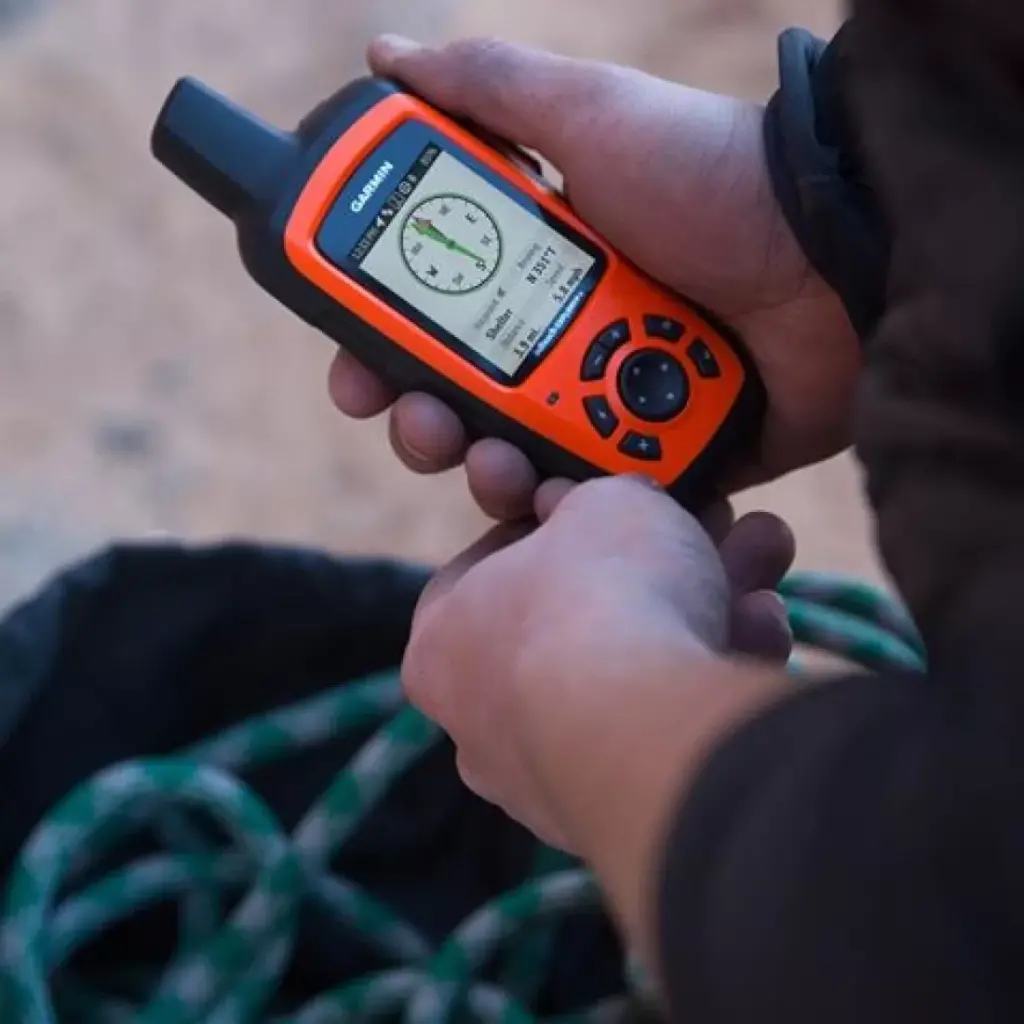
There are various options such as satellite phones, the SpotX device, and the Garmin inReach — which is what we'll cover in this article.
In critical situations — an accident with no cell coverage, or needing a weather forecast to make decisions on an expedition — devices like the Garmin inReach become essential, offering a reliable solution for staying connected even in the most remote places on earth.
The Garmin inReach is a tool specifically designed for situations where conventional communication fails. With advanced navigation features — the ability to trace routes and mark waypoints — it lets you plan and execute adventures with greater safety and confidence. Its water-resistant design and long battery life make it the perfect companion for outdoor activities in remote areas.
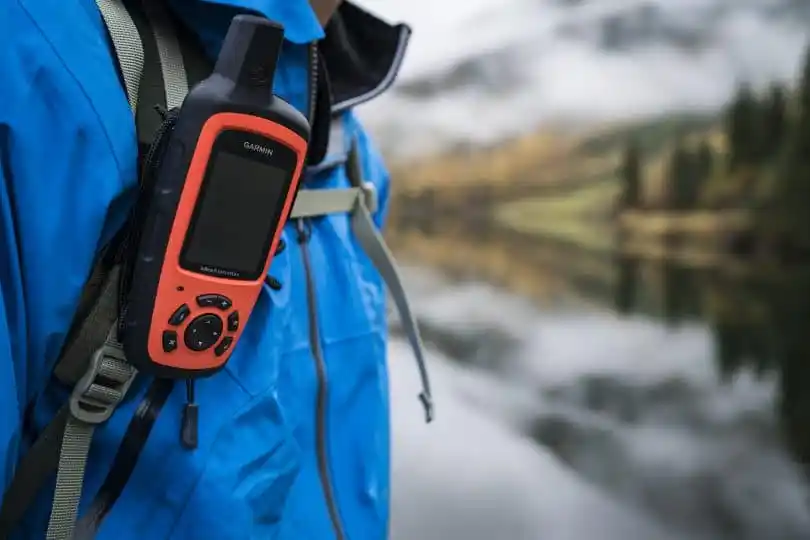
Pero el inReach va más allá de la simple comunicación de emergencia. Con funciones avanzadas de navegación, como la capacidad de trazar rutas y marcar puntos de referencia, este dispositivo te permite planificar y ejecutar tus aventuras con más seguridad y confianza. Además, su diseño resistente al agua y la larga duración de la batería lo convierten en el compañero perfecto para tus actividades al aire libre en lugares remotos.
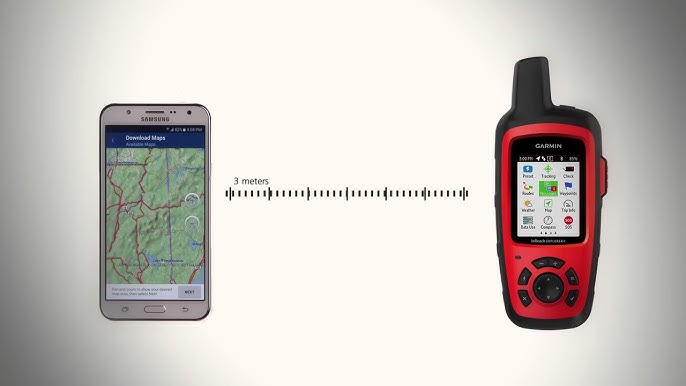
You can pair the device with your phone via Bluetooth and access it through the Garmin Earthmate app — write messages from your phone, review routes, view the map, request weather, and more. This app is especially useful if you have the inReach Mini.
Once you have a Garmin inReach, you'll need to create an account at https://explore.garmin.com/ where you'll choose your subscription plan. Note: without an active plan, satellite messaging won't work — the device will only function as a GPS.
SOS System
With the SOS button and the Garmin inReach's Iridium® global satellite network, users can rapidly alert emergency services in critical situations. Once SOS is activated, the device automatically sends a distress message to Garmin Response — a 24/7 emergency coordination center. Their team contacts the person in danger, designated emergency contacts, and relevant authorities including local search and rescue teams. They keep all parties informed and stay committed until the emergency is resolved.
How to Initiate an SOS Rescue with Your Device
You can initiate an SOS rescue with the device on or off, as long as it has battery.
- Lift the protective cover on the button SOS
- Hold the button down SOS.
- Wait for the SOS countdown to finish. The device sends a preset message to emergency services with your location details.
- Respond to the confirmation message from emergency services. Your response lets them know you can interact during the rescue. If you don't respond, they'll initiate the rescue process regardless.
During the first 10 minutes, your updated location is sent to emergency services every minute. After that, to save battery, location updates are sent every 10 minutes.
Here's a link to a video explaining how the SOS system works https://www.youtube.com/watch?v=aGP4-UMUYpk
Here are the available subscription plans:
Safety Plan Details
- Unlimited SOS
- 10 text messages per month
- Unlimited preset messages (configured on the website)
- Tracking points: $0.10 USD per point
- Overage charges of $0.50 USD per text message beyond the 10 included monthly texts.
- Text messages include both free-format sent messages and received messages.
- Tracking points refer to the dots the inReach sends at user-selected intervals ranging from 10 minutes to 4 hours.
Annual Plan or Contract Commitment Period:
Plan changes are allowed.
One-time activation fee of $29.95 USD for the subscription.
Once the annual or contract commitment period ends, you can cancel at any time for free (early cancellation requires paying remaining fees for the year). Otherwise, service continues at the current monthly rate.
Recreation Plan Details
- Unlimited SOS
- 40 text messages per month
- Unlimited preset messages (configured on the website)
- Unlimited tracking at intervals of at least 10 minutes
- $0.50 USD charge per text message exceeding the 40 included monthly messages.
- Text messages include both free-format sent messages and received messages.
Annual Plan or Contract Commitment Period
Plan changes are allowed.
One-time activation fee of $29.95 USD for the subscription.
Once the commitment period ends, you can cancel at any time for free (early cancellation requires paying remaining fees for the year). Otherwise, service continues at the current monthly rate.
Expedition Plan Details
- Unlimited SOS
- Unlimited text messages
- Unlimited preset messages (configured on the website)
- Unlimited tracking at intervals of at least 2 minutes
Annual Plan or Contract Commitment Period
Plan changes are allowed.
One-time activation fee of $29.95 USD for the subscription.
Once the commitment period ends, you can cancel at any time for free (early cancellation requires paying remaining fees for the year). Otherwise, service continues at the current monthly rate.
In summary, the Garmin inReach is essential for outdoor activities in remote areas. Its key benefits include:
- Emergency alerting via the SOS system connected to a 24/7 emergency coordination center.
- GPS navigation in remote areas.
- Request weather forecasts through the device (Pro forecast costs 1 SMS credit).
- Satellite messaging to communicate and coordinate without cell signal.
- Share your real-time location with others.
We hope this information was helpful! And that you see the importance of having one of these devices if you work outdoors or enjoy recreational activities.
We don't sell the device — we're just sharing this information with the community because we believe it's important to know about.
 English
  Español